
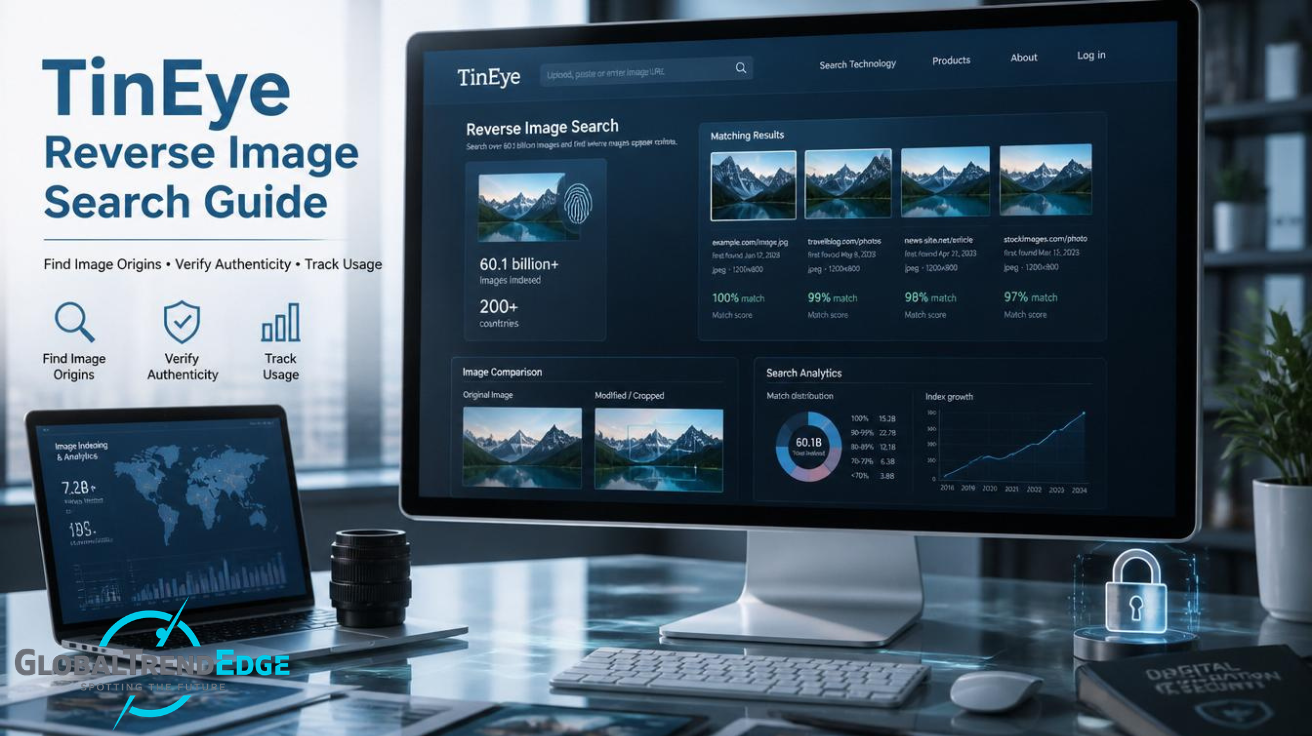
TinEye: The Complete Guide to Reverse Image Search
Introduction
You’ve found a photo online, maybe on a news site, a social media profile, or a product listing, and something feels off. You want to know where it really came from. Or perhaps you’re a photographer who suspects someone is using your work without credit. Either way, you need a tool that can track an image rather than a keyword.
That’s exactly what TinEye was built for.
TinEye is a reverse image search engine that has been doing one specific thing since 2008: finding where images came from and where they appear online. It doesn’t rely on keywords, file names, or metadata. Instead, it analyzes the visual content of an image itself and matches it against a massive, constantly growing index of web images.
This guide covers everything worth knowing about TinEye, how it works, what it does well, where it falls short, and how it compares to alternatives like Google Lens and Yandex.
What Is TinEye?
TinEye is a reverse image search engine developed by Idée Inc., a Canadian company. It launched in 2008 and is widely recognized as the first image search engine to use image identification technology rather than text-based queries.
Unlike a regular search engine where you type words to find images, with TinEye you submit an image to find information. The engine analyzes what’s in the image visually, creates a kind of digital fingerprint from it, and then compares that fingerprint against its indexed database to find matches.
As of 2026, TinEye’s index contains over 79 billion indexed images from across the web, a number that grows continuously through active web crawling.
How TinEye Works
Image Fingerprinting Technology
When you upload an image or paste a URL into TinEye, the system doesn’t store a copy of your photo (more on privacy below). Instead, it generates a unique digital signature, often called a fingerprint, based on the visual structure of the image. This fingerprint is then compared against TinEye’s database.
The technology is sophisticated enough to recognize images even when they’ve been
- Cropped or resized
- Color-adjusted or filtered
- Lightly edited or watermarked
- Saved at different resolutions
This is what separates TinEye from basic file-hash matching. Two technically different image files can be identified as the same visual content if they share enough visual structure.
Ways to Search
TinEye offers three ways to submit an image for searching:
- Upload from your device — Drag and drop or use the file upload button to submit an image stored locally.
- Paste a URL — If an image is already on the web, you can paste the direct URL to the image file.
- Browser extension — TinEye has official extensions for Chrome, Firefox, and Opera. Right-clicking any image on any webpage lets you search it instantly.
Understanding the Results
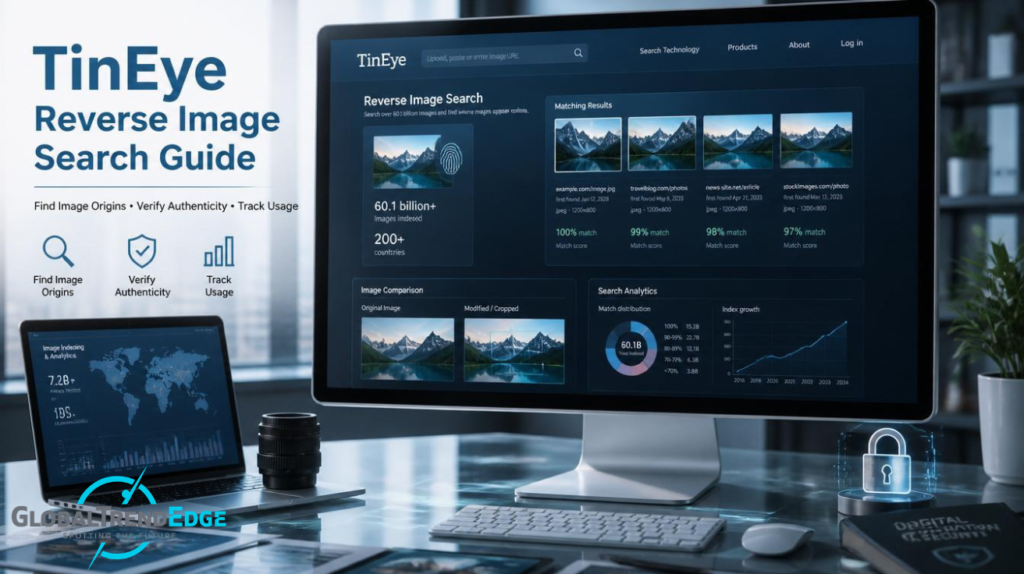
TinEye’s results page shows you a list of web pages where the image was found. For each result, you can see:
- The source URL
- The date the image was first indexed
- The image file name
- An option to compare the found image with your original
You can sort results by best match, Most Changed, Biggest Image, Newest, or Oldest, which makes it useful for different tasks depending on what you’re trying to find out.
What TinEye Is Actually Good For
TinEye has a focused strength: finding the same image across the web, even when it’s been modified. Here’s where it genuinely earns its place.
Copyright and Attribution Tracking
If you’re a photographer, designer, or illustrator, TinEye is one of the most practical tools for checking whether your images are being used online without permission. You can upload one of your own photos and see every place it appears. The “Oldest” sort is especially useful here, it can help establish when an image was first published, which can matter in copyright disputes.
Verifying News Images
Journalists and fact-checkers rely on reverse image search to check whether a photo being circulated as “breaking news” is actually from years ago or a different location entirely. TinEye’s date-indexing feature helps with this. If you sort results by “Oldest,” you can see when an image first appeared on the web, which is often enough to debunk misleading claims.
Checking Dating Profile Images
If someone’s profile photo looks too good to be true, TinEye can often confirm whether the photo has appeared elsewhere — on stock photo sites, other social media accounts, or across the web. It won’t catch every catfish, but it catches plenty.
Finding Higher-Resolution Versions
If you have a low-resolution copy of an image and need a better version, sorting TinEye results by “Biggest Image” surfaces the largest available versions of that image online.
Identifying Stock Photos
TinEye includes a filter that lets you narrow results to stock photo collections. This is helpful when you want to know if an image is available for legitimate licensing or if it’s from a free stock library.
TinEye vs. Google Lens vs. Yandex
These are the three most commonly used reverse image search engines. Each one has a different core strength.
TinEye
- Best for: Finding the exact origin of an image, tracking modifications, copyright verification
- Index size: ~79 billion images (focused on web images)
- Strength: Precision. TinEye is specifically built to find where a specific image appears, not just similar images.
- Weakness: Smaller index than Google. May not find obscure or recently uploaded images.
Google Lens
- Best for: Product identification, landmark recognition, general visual similarity
- Index size: Estimated 136+ billion images
- Strength: Breadth. Google’s index is vastly larger, and it’s better at identifying objects and buildings and finding visually similar (but not identical) images.
- Weakness: Privacy tradeoff. Google may tie search history to your account and use it for ad targeting.
Yandex
- Best for: Facial similarity matching (though ethically complex), finding Eastern European content
- Strength: Aggressive facial recognition capabilities; strong at finding people across photos
- Weakness: Operates under Russian data laws; different privacy standards than Western services
The practical takeaway: For tracking where a specific photo has been published and when, TinEye is the right choice. For identifying what’s in an image, Google Lens is stronger. For finding visually similar images or matching faces, Yandex leads, though with privacy caveats worth considering.
TinEye’s Commercial Products and API
Beyond the free consumer tool, TinEye offers several commercial and developer-focused products.
TinEye API
Developers can integrate TinEye’s reverse image search into their own applications. The API allows automated batch searching against TinEye’s index. Typical use cases include:
- Content moderation platforms (checking uploaded images against known databases)
- Publishing tools that verify image usage
- Brand monitoring services
- News verification systems
API access is sold in bundles based on the number of searches. Bundles expire in two years if unused, and enterprise-scale accounts (two million or more searches) require direct contact with TinEye.
MatchEngine
MatchEngine is a commercial API product designed for businesses that need to run image recognition searches against their own private image collection, rather than TinEye’s public index. It’s used by stock photo agencies, content libraries, and e-commerce platforms.
MulticolorEngine and WineEngine
TinEye has also developed specialized tools outside reverse image search. MulticolorEngine allows searching by color palette, described by TinEye as one of the most precise color-based image search tools available. WineEngine is a niche product for identifying wine labels from photos.
Privacy: Does TinEye Save Your Images?
This is a common and fair question. TinEye’s stated policy is that images uploaded for searching are never saved. The company only collects anonymized usage data, such as extension version numbers. Your uploaded image is used to generate a fingerprint for the search and then discarded.
This makes TinEye notably more privacy-conscious than Google, which may log your searches and link them to your account if you’re signed in.
That said, TinEye is a private company, and third-party auditing of these practices isn’t publicly available. If you’re handling highly sensitive images, it’s worth being aware that any web-based tool involves transmitting data to an external server, regardless of the stated policy.
Limitations Worth Knowing
TinEye is a focused tool, and that focus comes with some honest limitations:
- Smaller index than Google. Research comparing the two has found Google consistently returns more results for the same images. TinEye works best for well-distributed images that have been around for a while.
- No object or facial recognition. TinEye is designed to find the same image, not to tell you what’s in it. If you want to identify a building, a product, or a person from a photo, Google Lens or a dedicated tool is more appropriate.
- Performance concerns reported in recent years. Some users have noted that TinEye has returned fewer results for obscure sources compared to previous years. This appears to be related to changes in their indexing patterns.
- No free batch searching. The free version searches one image at a time. MatchEngine offers batch functionality for paid enterprise clients.
- Recently uploaded images may not appear. TinEye’s index is updated through web crawling, so very new images may not be indexed yet.
How to Use TinEye Effectively
A few practical tips that go beyond the basics:
Sort by “Oldest” for verification. If you’re trying to debunk a circulating image or establish when a photo was first used, this sort order cuts straight to what matters.
Use “Most Changed” to detect edits. This surfaces versions of the image that have been significantly altered, cropped, color-shifted, and re-watermarked. It’s useful for spotting manipulated copies.
Combine with other tools. TinEye and Google Lens are complements, not competitors. Running an image through both gives you better coverage than either alone.
Install the browser extension. The right-click search is significantly faster than manually uploading images, especially if you’re doing this regularly for journalistic or moderation purposes.
Use URL searches when possible. If the image already exists on the web, pasting its URL is usually faster than downloading and uploading.
Key Takeaways
- TinEye is the original reverse image search engine, launched in 2008 by Idée Inc. in Canada.
- It uses visual fingerprinting to match images rather than keywords, metadata, or file names.
- Its primary strengths are finding the origin of an image, tracking where it has been published, and detecting modified versions.
- Google Lens has a larger index; TinEye has better precision for exact-match and copyright use cases.
- Free for non-commercial use; API and enterprise products available for commercial applications.
- Images uploaded for searching are not saved, according to TinEye’s privacy policy.
- The tool has some limitations, including a smaller index than Google and no object/person identification.
FAQ
Is TinEye free to use? Yes, the basic reverse image search at TinEye.com is free for non-commercial use. Commercial use, API access, and enterprise features require paid plans.
How many images does TinEye have in its index? As of 2026, TinEye has indexed over 79 billion images from across the web.
Does TinEye work on mobile? Yes. The TinEye website is accessible from mobile browsers. However, the browser extensions are desktop-only. You can upload images or paste URLs directly from a mobile browser.
Can TinEye identify people in photos? No. TinEye finds matching or similar images, but it does not perform facial recognition or tell you who is in a photo. For person identification, different (and ethically more complex) tools would be needed.
Is TinEye accurate? TinEye is highly accurate for finding exact and near-exact copies of images. It’s less comprehensive than Google in terms of overall coverage, particularly for less widely distributed images.
Can TinEye find AI-generated images? TinEye can find AI-generated images only if those specific images are already in its index. It does not detect or flag AI generation, it can only tell you if it has seen that specific image before.
What’s the difference between TinEye and Google Images? TinEye specializes in exact-match and modified-copy detection, with privacy-focused practices. Google Images has a far larger index, better object recognition, and broader results but involves more data collection.
Can I use TinEye commercially? The free version is for non-commercial use only. For commercial use, TinEye offers API packages with different search volume tiers.
Conclusion
TinEye occupies a well-defined and genuinely useful space in the world of image search. It isn’t trying to be everything; it’s built specifically to tell you where an image came from, how it’s been used, and whether modified versions are floating around online.
For photographers protecting their work, journalists verifying images, or anyone trying to authenticate a photo, TinEye’s precision and privacy-first approach make it a tool worth knowing. Its limitations are real, the index is smaller than Google’s, and it won’t help you identify what’s in a photo, but within its intended scope, it remains one of the most reliable tools available.
If you’re new to reverse image search, starting with TinEye alongside Google Lens gives you the best combination of precision and coverage. For professional use cases involving copyright or image verification, TinEye’s API and MatchEngine products scale well into commercial workflows.




[…] TinEye: The Complete Guide to Reverse Image Search […]